
How to Make a Tennis Recruiting Video Coaches Watch
A tennis recruiting video is 3 to 5 minutes of real match play, no music, intro slide first, hosted on YouTube. College coaches explain what they skip.
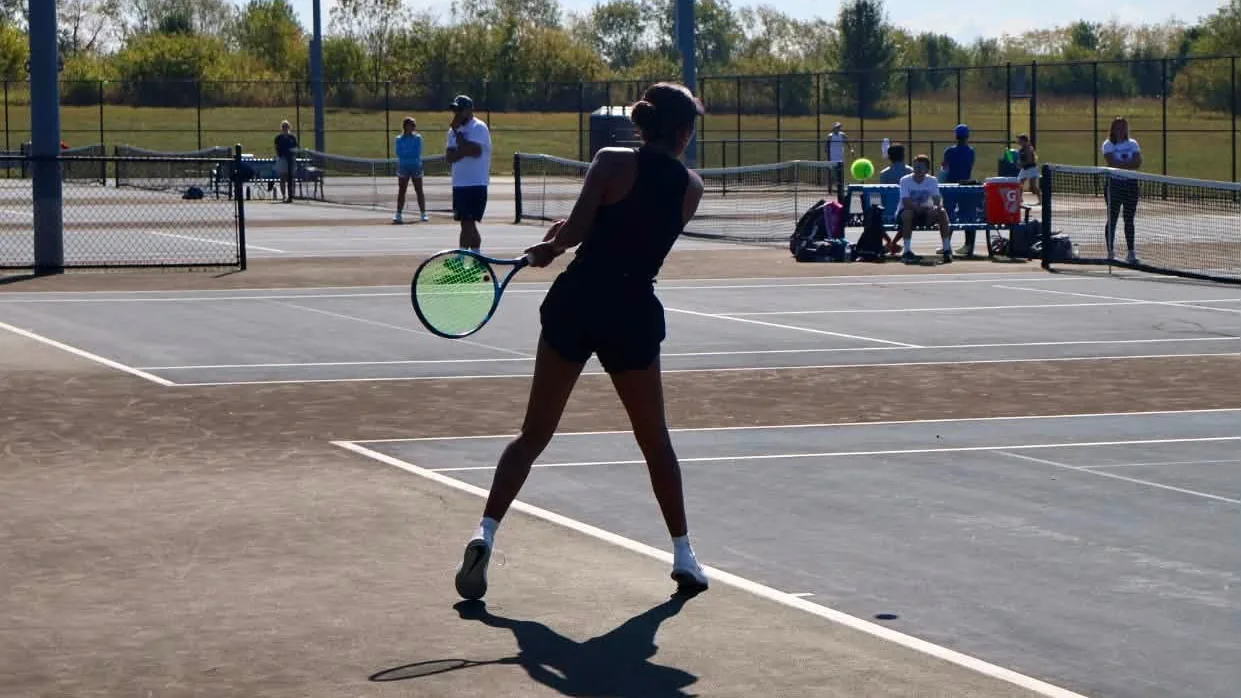
The instructions have been public since 2013, when The Tennis Recruiting Network asked a panel of college coaches what they actually do with the videos recruits send. Their answers still hold: show unedited points, skip the soundtrack, keep it short, put your name and grad year up front. Most players ignore at least two of those, because players build videos for other players. Coaches watch differently. They said so on the record, and one of them named the footage she had received exactly once in a decade.
The mute button
The music answers were the most brutal of the panel. "If it's set to music, I usually mute it," said Jaime Kenney, then the coach at Tufts. Tracy Mauntler, then coaching Toledo, went further: "I'm not a big fan of music in the background. I like to hear the ball being hit." She also named the reason coaches distrust a soundtrack. "Videos can be sped up when you add music." The ball off the strings is data. Your playlist is not. One veteran college coach, writing in the same era, put the cost-benefit in one line: leave music out, "nothing to gain, everything to lose."
Match play or they stop watching
The same coaches were just as blunt about content. "It is imperative that the video contains match play and not just hitting," said Adam Steinberg, then at Pepperdine. Kenney: "I prefer to see unedited match play in both singles and doubles... If it's edited or just strokes I put very little time into watching it." What are they reading in those points? Then-Bentley coach Alex Wong listed it: technique, movement, and how you construct points.
That is also why the show-only-winners instinct backfires. Coaches know highlight reels hide things, and the same veteran coach said it directly: "I'd rather see a player losing a point playing to his strength than winning one because their opponent made a stupid unforced error." Include points you lost. Play a real opponent at your level or slightly above, competing at full effort. A rout of a warm-up partner tells a coach nothing except what you edited out.
The blueprint, minute by minute
Open with a simple info slide: name, grad year, contact info, and your UTR, with the same info repeated at the end. A short spoken intro works too. Then your best two or three points first, because attention is short. Then unedited match play. On length, the sources bracket it: Mauntler said "five-ten minutes is plenty," the USTA's recruiting checklist says no longer than five, and recruiting services range from three or four minutes to as long as eight or ten. Three to five minutes is the safe zone. Keep a full unedited match ready to send when a coach asks, because the video is a first screen, not a decision. As Kenney put it, "it's not much more than simply an initial assessment."
Then the free edge almost nobody takes. Back in 2013, Mauntler said that in ten years she had received exactly one video showing the recruit playing doubles. Her next line explained why that is a miss: "Doubles is such an important part of college tennis." A 60-second doubles segment costs you nothing and answers a question every coach has.
Film it with the phone you own
Gear is not the problem. Angle is. Put the camera high behind the baseline, ideally 8 to 12 feet up on a fence mount or tall tripod, centered, landscape, with the whole court in frame. A phone shooting 1080p at 60fps is plenty, and filming guides are blunt that a phone in the right spot beats an expensive camera in the wrong one. Never handheld, never portrait, never into the sun. If both players are in frame, mark which one is you with an arrow or spotlight in the opening seconds. And if your matches already get filmed by an AI app, one of which lists 100+ college teams as users, that footage can do the job. The angle rules are the point, not the hardware.
Put it where coaches already are
Host it on YouTube and title it the way recruiting services suggest coaches expect: your full name, "Tennis Recruiting Video," and your class year. Embed it on your recruiting profiles, and put the link in every email you send a coach. This is where the video earns its keep. One recruiting platform reports coaches are 19 times more likely to view a profile with video, self-reported and across all sports, but directionally obvious. And coaches really are browsing: Universal Tennis now shows juniors that college coaches have viewed their profile in the past year. The USTA's timeline says have the video posted by 11th grade and refresh it senior year. Film a new one after your game visibly levels up, not on a calendar.
Five minutes of honest tennis, shot from the right spot, with the sound of the ball left in. That is the whole video.
Build a profile that does the work for you.
How long should a tennis recruiting video be?
Three to five minutes is the safe zone. The USTA's recruiting checklist says no longer than five minutes, one D1 coach told the Tennis Recruiting Network that five to ten is plenty, and some recruiting services suggest three to four. Put your best points in the first 30 seconds and keep a full unedited match ready for coaches who ask.
What should be in a tennis recruiting video?
An intro slide with your name, grad year, contact info and UTR, then unedited match play against a real opponent, including points you lose. College coaches say match play is imperative and that they skip videos that are heavily edited or strokes-only. A short doubles segment stands out; one D1 coach told the Tennis Recruiting Network in 2013 she had received exactly one in ten years.
How do I film a tennis recruiting video?
A phone is fine. Mount it 8 to 12 feet high behind the baseline, centered, in landscape, with the whole court visible, at 1080p and 60fps. Leave the original sound in, with no music, because coaches want to hear the ball. One college coach says she usually mutes soundtracked videos, and others say to leave music out entirely.
Sources: The Tennis Recruiting Network; USTA; NCSA; CaptainU; Tactical Tennis; University Sports Program; SportsRecruits; Universal Tennis; ITA; AceSense; Athleticademix; My Tennis Tools